Plug in.
The Findavi box plugs into a passive port. To find your devices, it just listens. It contacts a device only when you ask. It acts only through access you grant.
Attackers have AI.
Are your cameras protected?
Findavi protects the IoT and OT devicesyour other security tools can’t reach:cameras, door readers, building systemsand industrial controls.
IS THIS YOU?
Cameras. Door readers. Heating and cooling. Plant controls. IT runs the network. Facilities runs the equipment. Vendors maintain it. Nobody owns the gap in between. Attackers know that.
With AI, they can find a weak device in minutes. Fixing it can take your team weeks.
Not every attack comes through the network. Findavi watches the radio links, too
WHY YOUR SECURITY TOOLS MISS IT
Your endpoint security works by installing software on every laptop and server. You can't install it on a camera, a door reader or a chiller controller. So most security tools can't see what they're doing.
Findavi needs nothing installed on them. It plugs into your network, listens, and protects the devices your other tools can't touch.
FIELD RESULT · GOVERNMENT · A REAL ATTACK
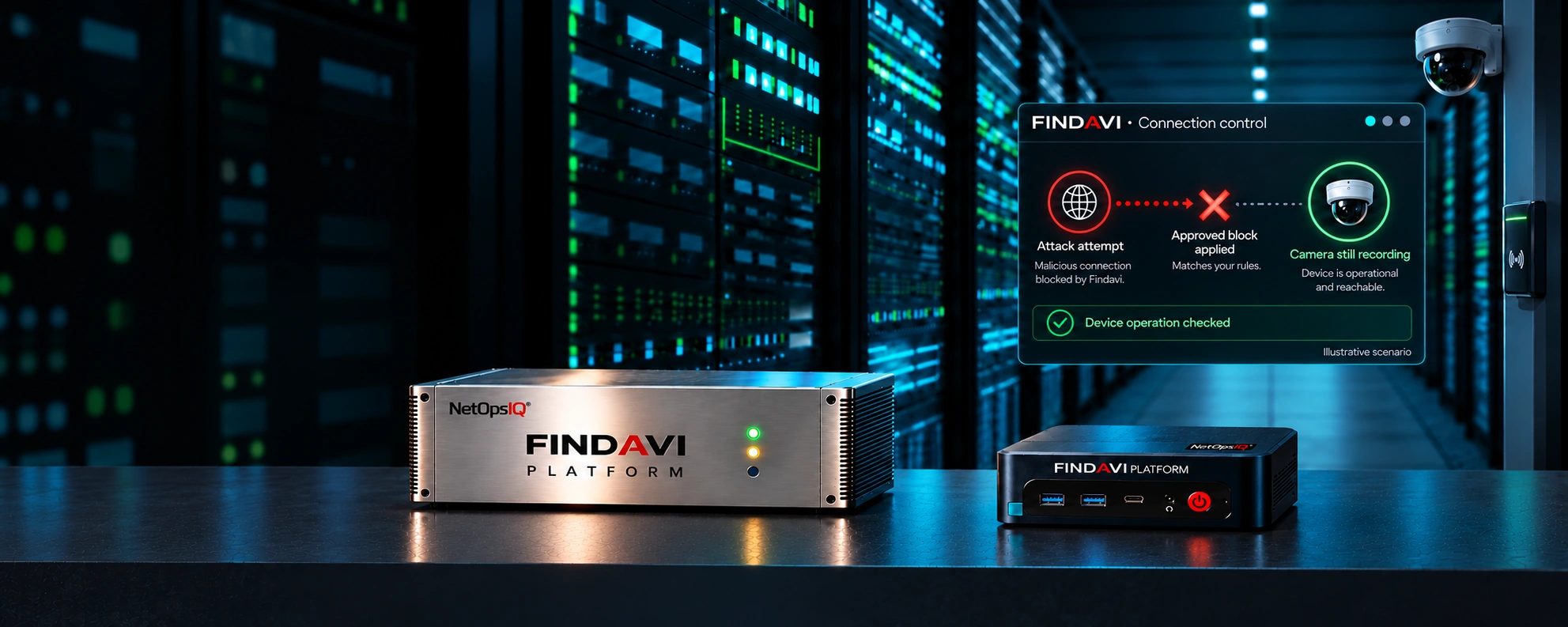
An outside attacker spent five minutes trying to get into a government network through its cameras. Findavi recommended a block. A person approved it. Findavi closed the connection.
The connection was blocked.
Recording was verified.
A real attack, not a test. Agency and location withheld.
FIELD PILOT · HOSPITAL
For eleven minutes, an attacker tried to climb from a hospital security camera into the rest of the network. Findavi was in Observe mode and saw every step. When the team switched on Findavi’s agents, the camera was cut off. The attack died there.
It never got past the camera.
Patient care never paused.
A real attempt during a NetOps IQ pilot, not a test. The hospital is unnamed at its request. One of 9 successful pilots.
HOW IT WORKS
The Findavi box plugs into a passive port. To find your devices, it just listens. It contacts a device only when you ask. It acts only through access you grant.
It maps the devices it can see and spots the risks. For supported devices and actions, your rules allow it to block a connection, isolate a port, or change a setting.
Then it checks twice. Is the attack stopped? Does the device still work? The issue stays open until both answers are yes.
SAFE TO PLUG IN
Findavi's AI runs on the appliance itself. No outside AI. The network data it collects never leaves your site.
Findavi watches and reports. Nothing changes.
Findavi proposes the fix. A person says yes.
Findavi acts on its own, inside rules you set in advance. Day or night. Off until you turn it on, and only on the devices you choose.
Your team can stop or switch off any Findavi agent at any time. Restoring previous settings requires a person's approval and a supported recovery action. Every action is recorded.
How Findavi stays safe on your networkFOR THE DEVICES YOUR OPERATION DEPENDS ON
Start with one site. We’ll show you which devices are exposed and what to fix first.
Request an assessmentBOOK EIGHT
The connected controllers behind safe streets.